

 Messenger
Turn every conversation into progress.
Contact us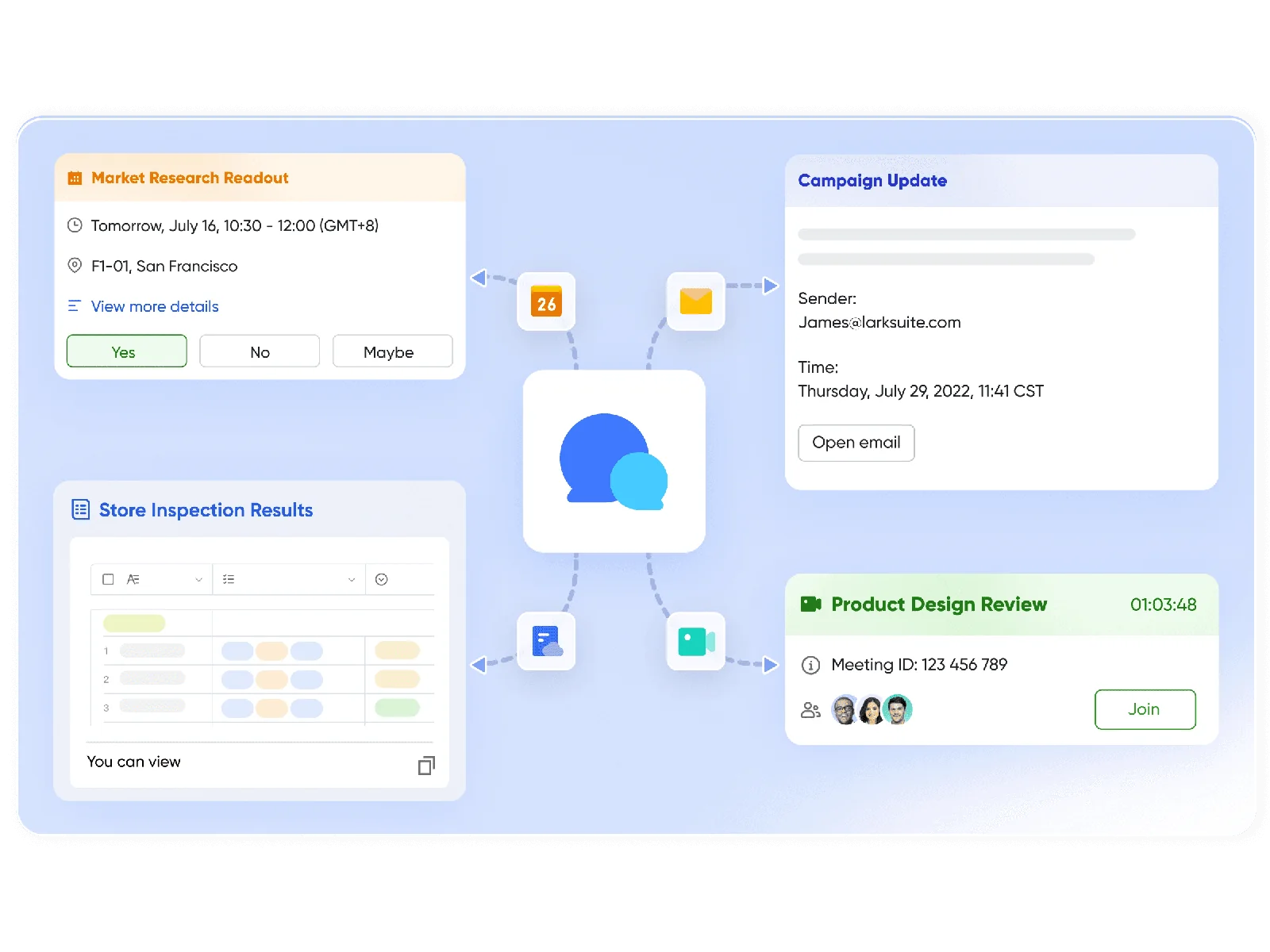
Every conversation, organized and actionable
Turn scattered messages into structured workflows. Messenger keeps teams aligned with smart threading, quick actions, and seamless integration.
Keep discussions focused with organized message threads
Send messages at the perfect time, across time zones
Turn messages into actionable tasks with one click
Organized channels for every purpose
Keep conversations focused with dedicated channels for projects, teams, and topics.
Connect your workflow
Integrate with the tools you already use. Get notifications, share files, and automate workflows.
Base
Get notified when tasks are updated or completed
Docs
Share documents and collaborate in real-time
Calendar
Schedule meetings and share event updates
Approval
Request and track approvals without leaving the chat
Enterprise-grade security
Your conversations are protected with end-to-end encryption, compliance certifications, and granular admin controls.
Connect your team in Lark Messenger with focused discussions, scheduled messages and visibility into who has read an update.
Keep each discussion in focus.
Reply to a message in its own thread so related questions and answers stay together. Follow a topic without losing it in a busy group conversation.
Send messages at the right time.
Prepare an update when it suits you, then schedule it to arrive later. Coordinate communication around your team’s working hours and upcoming activities.
Know when an update has been read.
Check read status to see who has viewed a message. Use that visibility to decide when to follow up on an important update.